Structure
Learn about the structure of a theme app extension and how to configure it.
Directory structure
The standard directory structure for a theme app extension is as follows:
└── theme-app-extension
    ├── blocks
    │   ├── app-block.html
    │   ├── app-embed-block.html
    │   ├── conditional-app-block.html
    │   └── ...
    ├── components
    │   ├── logo-icon.html
    │   └── ...
    ├── i18n
    │   ├── en.json
    │   ├── en.schema.json
    │   ├── zh-hans-cn.json
    │   ├── zh-hans-cn.schema.json
    │   ├── zh-hant-tw.json
    │   ├── zh-hant-tw.json
    │   └── ...
    ├── public
    │   ├── app-block.css
    │   ├── app-block.js
    │   ├── app-embed-block.css
    │   ├── app-embed-block.js
    │   └── ...
    └── .shopline-cli.yml
Descriptions for different directories and files are as follows:
| Directory/file | Description |
|---|---|
| blocks | HTML files for App Blocks and App Embed Blocks. |
| components | Snippets of code for the theme app extension that can be referenced and reused within App Blocks and App Embed Blocks. |
| i18n | JSON files for multi-language support, storing translations for merchants and customers. These are used similarly to theme locale files. |
| public | CSS, JavaScript, and other static resources. They can be included using the javascript and stylesheet properties in the schema, or with the asset_url filter. |
| .shopline-cli.yml | Configuration file for the theme app extension. |
App Block
App Blocks allow merchants to add blocks from the app into theme sections.
By default, App Blocks are not automatically added after installing an app. Merchants need to add App Blocks using the theme editor manually.
The following example creates a simple <span> element with a style attribute. For detailed configuration in the schema tag within the example, refer to Schema.
<span style="color: {{ block.settings.color }}">
  App Block
</span>
{{#schema}}
  {
    "name": "App Block",
    "target": "section",
    "stylesheet": ["public/app.css"],
    "javascript": ["public/app.js"],
    "settings": [
        {
          "label": "Color",
          "id": "color",
          "type": "color",
          "default": "#000000"
        }
    ]
  }
{{/schema}}
The following shows examples of adding an App Block within a theme section and an independent App Block in the theme.
| App Block in a theme section | An independent App Block |
|---|---|
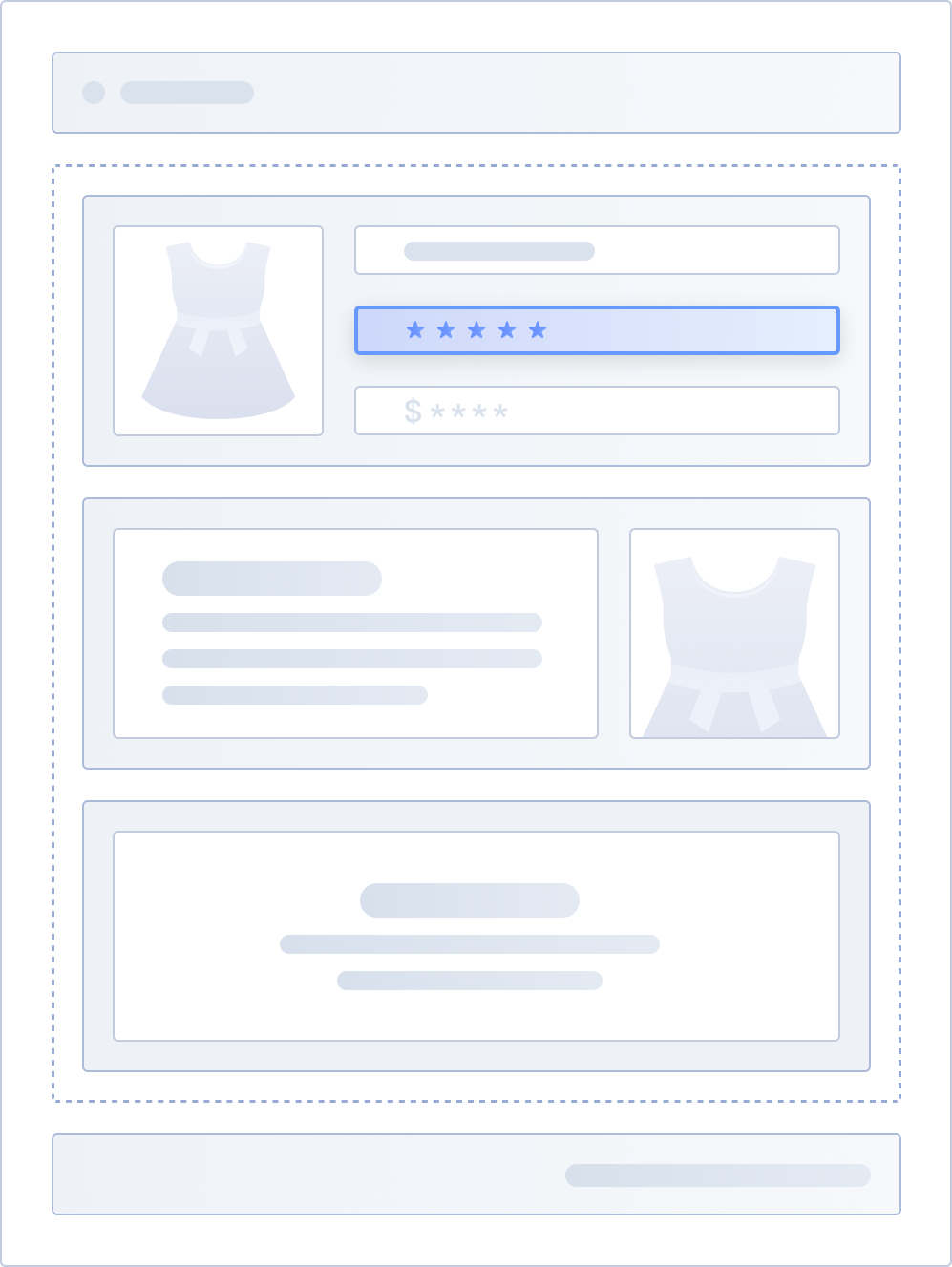 | 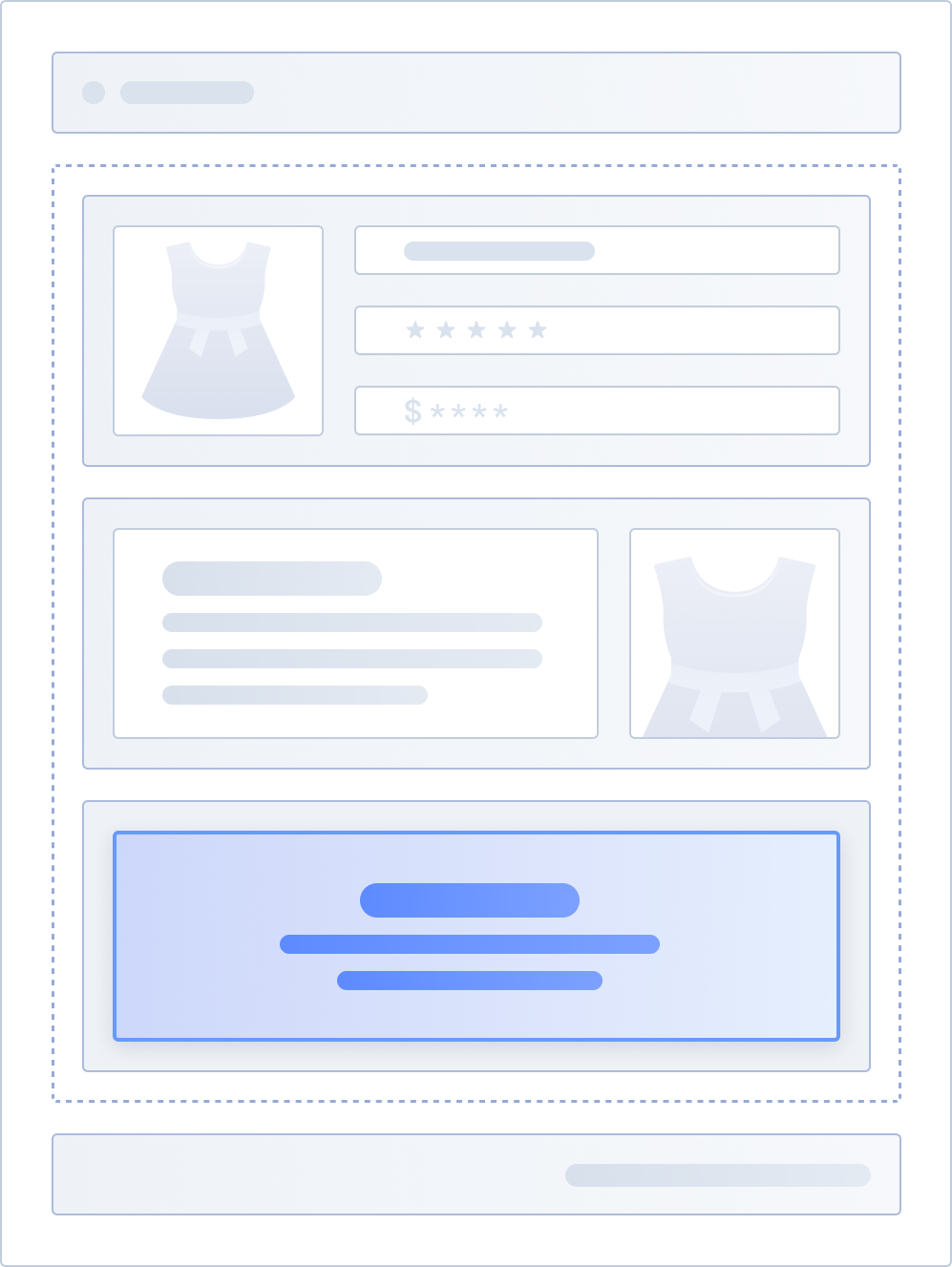 |
App Blocks are flexible, allowing merchants to add, remove, and sort them at the section level in the theme using a visual editor.
App Embed Block
App Embed Blocks enable merchants to add UI-less features or global floating elements on a page from the app into the theme. They are suitable for the following types of apps:
- Apps that provide floating elements on the page, such as customer service chat apps and announcement notification apps.
- Apps that add SEO meta tags, analytics, or custom forms.
You can set the target property in the schema to either head or body to determine where the App Embed Block is injected. By default, App Embed Blocks are not automatically activated upon installation. Merchants need to activate them from App embeds in the theme editor.
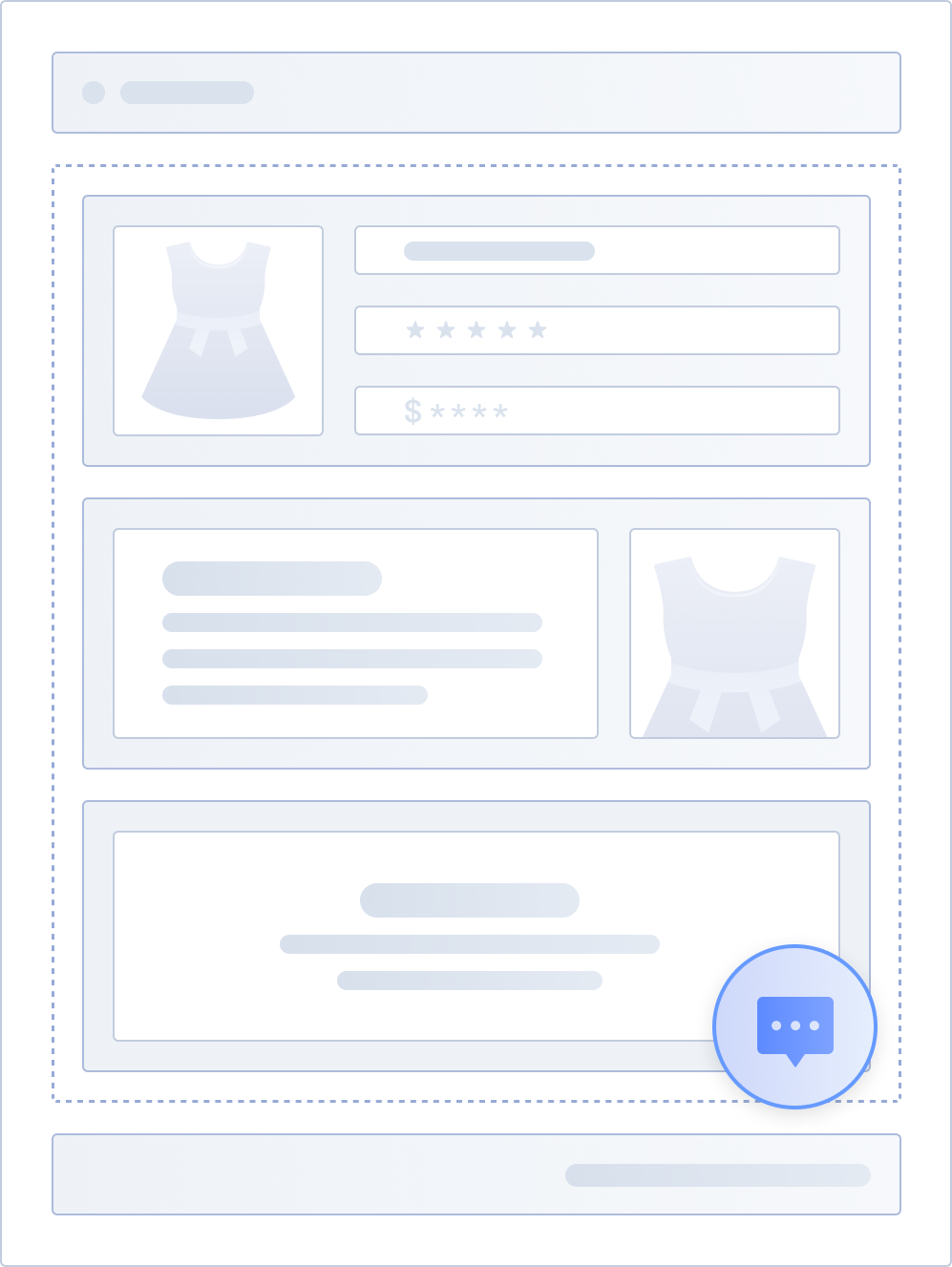
The following example demonstrates an App Embed Block being inserted at the bottom of the <body>, rendering a button that floats at the bottom of the page.
<div style="position: fixed; bottom: 0; right: 0">
  <img src="{{ `comment.jpg` | asset_url() }}" />
</div>
{{#schema}}
{
  "name": "App Embed Block",
  "target": "body",
  "settings": []
}
{{/schema}}
The following shows an example of the floating button rendered on the page.
Schema
The schema for App Blocks and App Embed Blocks is similar to the theme section schema and supports the following attributes. Some attributes are unique to App Blocks and App Embed Blocks.
| Attribute name | Type | Required or not | Description |
|---|---|---|---|
| name | string | Yes | Title of the App Block or App Embed Block in the theme editor. Recommended to be within 25 characters to fit the theme editor sidebar. |
| target | string | Yes | Position on the page where the App Block or App Embed Block is rendered. App Blocks support the value App Embed Blocks support the following values:
|
| stylesheet | array | No | CSS files to load from the public directory. |
| javascript | array | No | JavaScript files to load from the public directory. |
| templates | array | No | Templates where the App Block or App Embed Block can be injected. Defaults to all pages if not set.
|
| class | string | No | Additional CSS classes to include in the wrapper element, similar to the Caution: This attribute is not applicable when the App Embed Block's target value is |
| tag | string | No | Tag used to wrap the block output, defaults to
Cautions: |
| settings | array | No | Configuration options for the App Block or App Embed Block. For configuration details, refer to settings in sections. |
| limit | integer | No | Limit on the number of App Blocks or App Embed Blocks that can be added into the theme section. |

'%3e%3crect%20x='6'%20y='7.13049'%20width='13'%20height='10'%20rx='1'%20fill='black'/%3e%3cpath%20d='M12.4998%2012.936L-3.65042%200.604835L28.65%200.604838L12.4998%2012.936Z'%20stroke='white'%20stroke-linejoin='round'/%3e%3c/g%3e%3cdefs%3e%3cclipPath%20id='clip0_716_14611'%3e%3crect%20x='6'%20y='7.13049'%20width='13'%20height='10'%20rx='1'%20fill='white'/%3e%3c/clipPath%3e%3c/defs%3e%3c/svg%3e)

'%3e%3crect%20x='5.63086'%20y='7.26086'%20width='13'%20height='10'%20rx='1'%20fill='white'/%3e%3cpath%20d='M12.1306%2013.0664L-4.01956%200.735206L28.2809%200.735209L12.1306%2013.0664Z'%20stroke='%231A2C42'%20stroke-linejoin='round'/%3e%3c/g%3e%3cdefs%3e%3cclipPath%20id='clip0_716_14599'%3e%3crect%20x='5.63086'%20y='7.26086'%20width='13'%20height='10'%20rx='1'%20fill='white'/%3e%3c/clipPath%3e%3c/defs%3e%3c/svg%3e)